Homeowner help
Your owner portal is open 24/7. Use it to pay dues, set up auto-draft, read association documents, check the community calendar and send requests to your manager.
Logging in
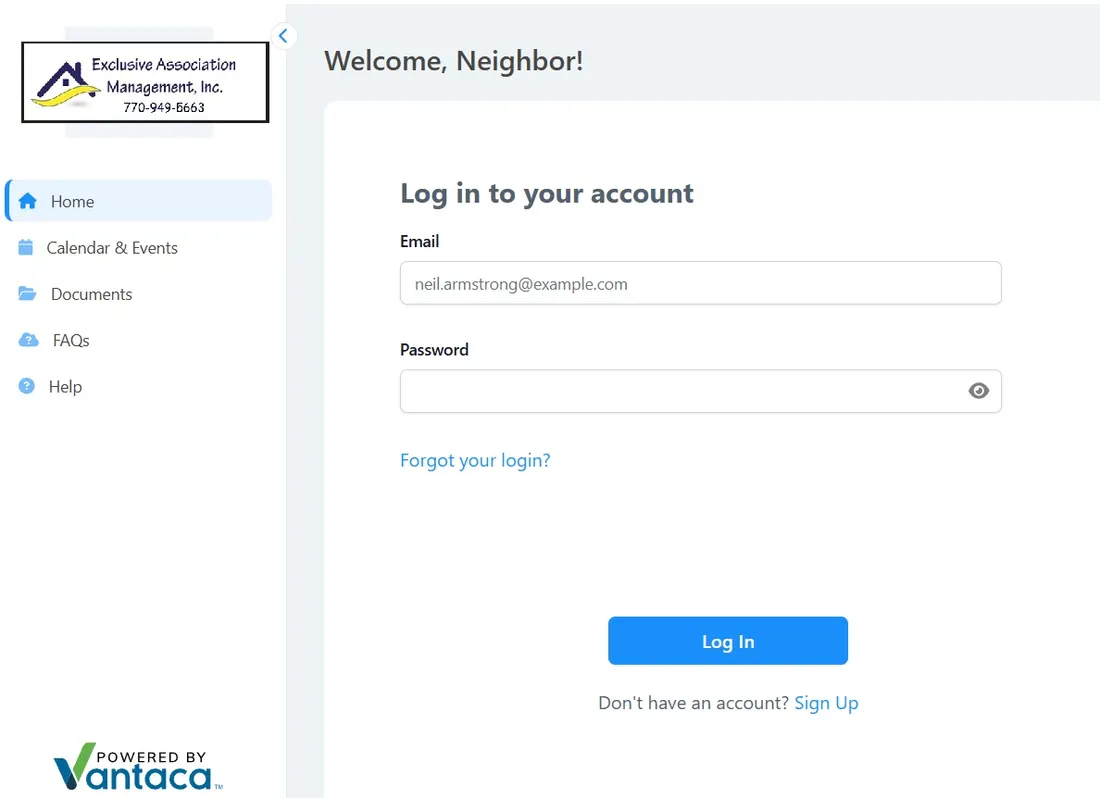
Go to portal.exclusiveassocmgmt.com. The portal works best in Google Chrome or Microsoft Edge, on a computer or phone.
If you can’t log in, use the “I forgot my login/password” link on the sign-in page. Still stuck? Email Support@EAMAtlanta.com and we’ll help.
Buying or selling a home in an EAM community? Order a closing letter.
How-to videos
Short walkthroughs for every task in the portal, from Vantaca, the software behind it.
Portal home overview
How to make a payment
Viewing your homeowner statements
My items
How to submit a general request
Accessing and searching association documents
Association calendar
Requesting amenity reservations (if applicable)
Submitting an ARC request
Directory
Updating contact info and communication preferences
Changing your password